
Gartner projects that by 2026, 40% of enterprise applications will embed AI agent capabilities; up from under 5% just a year ago. The tools connecting those agents to your actual work are what most guides skip over.
Best Claude connectors aren’t one-size-fits-all. The right pick depends entirely on your workflow. Automation, content pipelines, or developer-scale systems; each pulls you in a different direction. Pick the wrong one, and you’ve burned time on setup that never pays off.
This blog matches connectors to use cases, lays out the real trade-offs, and tells you when to skip connectors entirely and go straight to the API or agents. By the end, you’ll have a clear answer, not just more options.
What Claude Connectors Actually Do (And Where They Break)
A Claude connector links Claude to another tool. It lets Claude read data, send data, or trigger actions in apps like Notion, Slack, or Google Sheets. Simple on the surface. But limited in practice.
What The Best Claude Connectors Actually Do
At a basic level, most Claude integrations handle three things:
| Function | What it means | Example |
|---|---|---|
| Read data | Pull info from another tool | Claude reads notes from Notion |
| Write data | Send output somewhere | Claude writes to Google Sheets |
| Trigger actions | Start workflows | Claude sends a Slack message |
So if you’re using Claude automation tools, you’re really just moving data between systems. And that works fine for simple tasks.
Where The Best Claude Connectors Start Breaking
The issues show up when your workflow grows.
1. Limited Control
Most Claude connectors are pre-built.
You can’t fully control:
- logic
- conditions
- edge cases
So your workflow stays basic.
2. Fragile Workflows
Stack multiple Claude integrations, and things get unstable.
- One tool fails → whole workflow breaks
- One delay → everything slows down
This is common with tools like Zapier.
3. Latency Problems
Every connector adds delay.
Claude → connector → app → connector → Claude
Now multiply that across steps.
Your “automation” becomes slow.
4. Cost Scales Fast
Most AI workflow automation tools charge per task or execution.
More steps = more cost.
So simple workflows stay cheap. Real workflows don’t.
Connectors are not systems. They are shortcuts and help you start fast. But they don’t hold up when:
- workflows get complex
- data grows
- reliability matters
That’s why many teams hit a wall. They start with choosing the best Claude connectors. Then rebuild everything using APIs later.
The 3-Layer Claude Connectors Stack
Most people stack random tools. That’s why their Claude workflows break. All three layers have a clear role.
Layer 1. Data Connectors
This is where data lives. Tools like:
- Notion
- Google Sheets
- Airtable
These Claude integrations store and organize information. Think of this layer as your database. Claude reads from here and writes back to it.
Layer 2. Action Connectors
This layer moves things. Tools like:
- Zapier
- Make
They trigger actions across apps. Example include:
- New form → send email
- New row → post in Slack
These are your AI workflow automation tools. They don’t store data. They just push it around.
Layer 3. Orchestration Layer
This is where real control happens.
- APIs
- Agents
- Claude MCP servers
This layer defines:
- logic
- decision-making
- multi-step workflows
This is where Claude API integrations come in. Without this layer, your system stays basic.
How These Layers Work Together
Most people stop at Layer 2. Real workflows combine all three.
| Layer | Role | What happens |
|---|---|---|
| Data | Store | Notion holds structured data |
| Action | Trigger | Zapier sends updates |
| Orchestration | Control | API decides what happens next |
Example:
- Claude reads data from Notion
- Zapier triggers an action
- API decides if action should continue
That’s a real system. Not just a connection.
The Key Insight
- Data layer = stability
- Action layer = speed
- Orchestration layer = intelligence
Remove one, and your workflow weakens.
Best Claude Connectors by Use Case
Most lists rank tools by popularity. You don’t need the “best tool.” You need the right tool for your job.
Best for Automation Workflows
Zapier vs Make
| Tool | When to use | When to avoid |
|---|---|---|
| Zapier | Simple workflows, fast setup | Complex logic |
| Make | Advanced workflows, multi-step logic | Beginners |
Zapier
- Easier to use
- Faster to launch
- Limited flexibility
Make
- Visual workflows
- Better control
- Handles complexity well
Use Make if your workflow has:
- conditions
- branching
- multiple steps
Use Zapier if you just need quick automation.
Best Claude Connectors For Knowledge Management
- Notion
- Google Drive
These tools store information Claude can use.
Best for:
- internal docs
- SOPs
- knowledge bases
Strong choice for Claude integrations for business.
Best for Claude Connectors Content & Publishing
- WordPress
- Google Docs
Use these for content workflows.
Example:
- Claude writes → Google Docs
- Review → publish to WordPress
This is where most Claude workflows start.
Best Claude Connectors for Internal Operations
- Slack
- Gmail
Use these for communication workflows.
Examples:
- Claude summarizes emails
- Sends alerts to Slack
Good for Claude automation tools. But don’t over-automate here.
Best Claude Connectors for Developers (Advanced Use)
This is where most content stops. But this is where real power is.
- Supabase
- APIs
- Claude MCP servers
Use this stack if you want:
- control
- scalability
- custom workflows
This is the core of Claude API integrations and Claude agent workflows.
Top Claude Connectors Ranked for 2026
This is a comparison list of the 14 best Claude connectors. Each one has a clear role and clear limits.
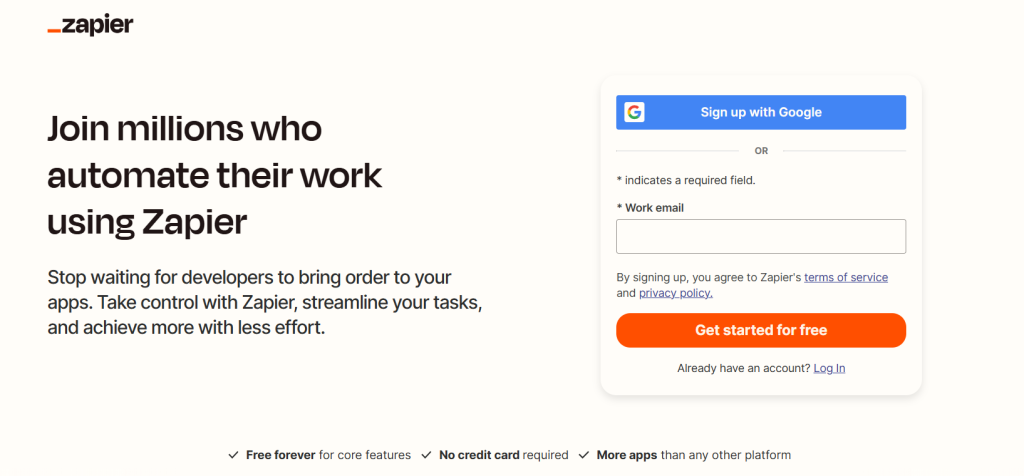
Zapier
What it does
Connects apps and automates simple workflows without code.
Best use case
Quick automation across multiple apps.
Strength
- Easy setup
- Large app ecosystem
Weakness
- Limited logic
- Expensive at scale
Do NOT use if…
You need complex workflows or conditional logic.
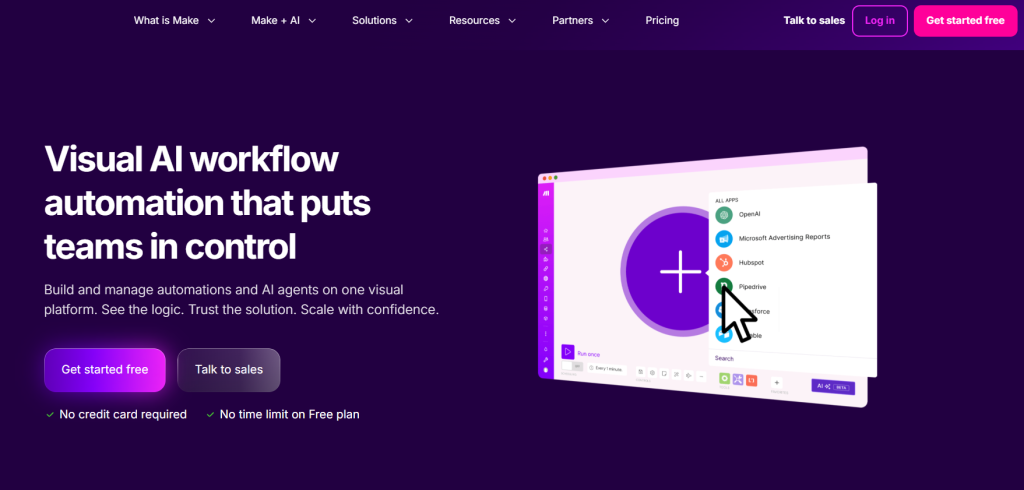
Make
What it does
Builds multi-step workflows with visual logic.
Best use case
Advanced automation with conditions and branching.
Strength
- Flexible workflows
- Better control than Zapier
Weakness
- Learning curve
- Can get complex fast
Do NOT use if…
You want a quick, simple setup.
Notion

What it does
Stores structured data for Claude to read and write.
Best use case
Knowledge bases and internal systems.
Strength
- Flexible structure
- Easy to organize
Weakness
- Slows down with large data
- Not a true database
Do NOT use if…
You need high-performance or large-scale data handling.
Slack

What it does
Handles team communication and notifications.
Best use case
Alerts, summaries, internal updates.
Strength
- Fast communication
- Easy integration
Weakness
- Becomes noisy
- Limited automation depth
Do NOT use if…
You want structured workflows or data storage.
Google Sheets
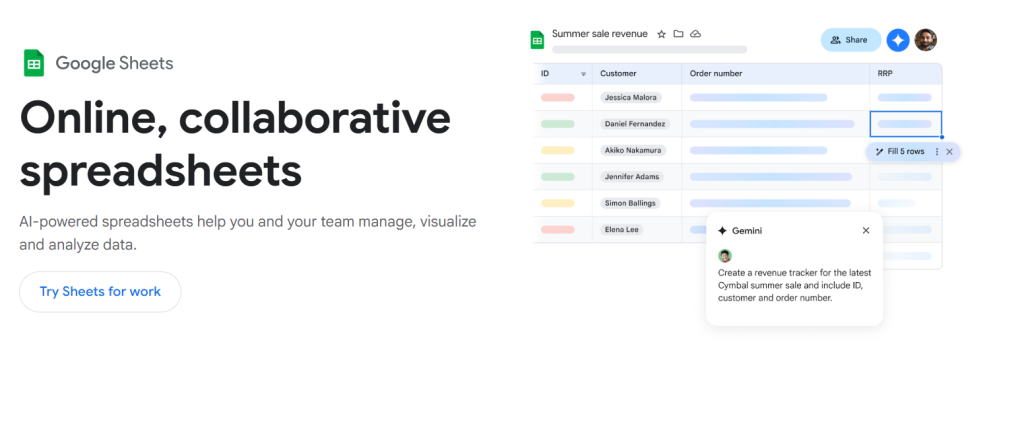
What it does
Acts as a simple database for workflows.
Best use case
Tracking data, logs, and reports.
Strength
- Easy to use
- Widely adopted
Weakness
- Breaks at scale
- Limited structure
Do NOT use if…
You need a real database or complex queries.
Supabase

What it does
Provides a backend database with APIs.
Best use case
Developer-level workflows and scalable systems.
Strength
- High performance
- Full control via APIs
Weakness
- Requires technical setup
Do NOT use if…
You want no-code solutions.
Gmail
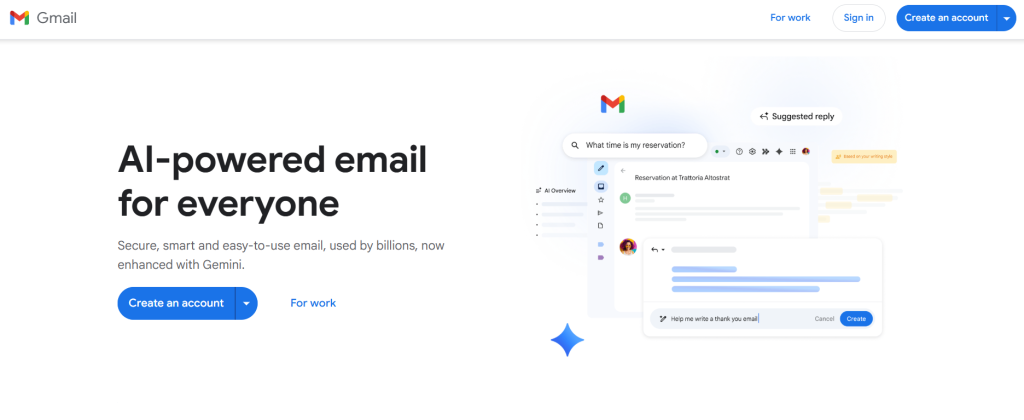
What it does
Manages email-based workflows.
Best use case
Email automation and response handling.
Strength
- Direct communication channel
- Easy to trigger workflows
Weakness
- Limited structure
- Hard to scale
Do NOT use if…
You need complex workflow logic or tracking systems.
WordPress
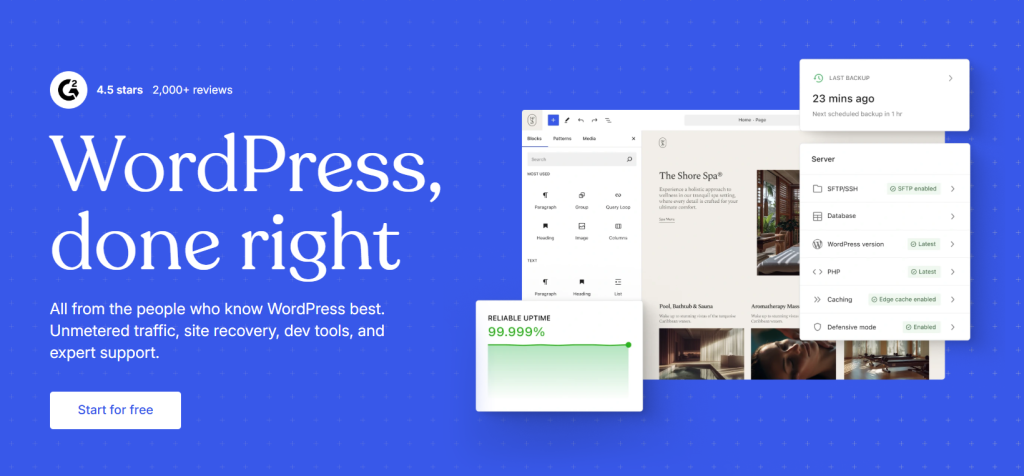
What it does
Publishes and manages content.
Best use case
Content workflows and SEO publishing.
Strength
- Full control over content
- SEO-friendly
Weakness
- Requires setup
- Plugin dependency
Do NOT use if…
You just need simple document storage.
Airtable
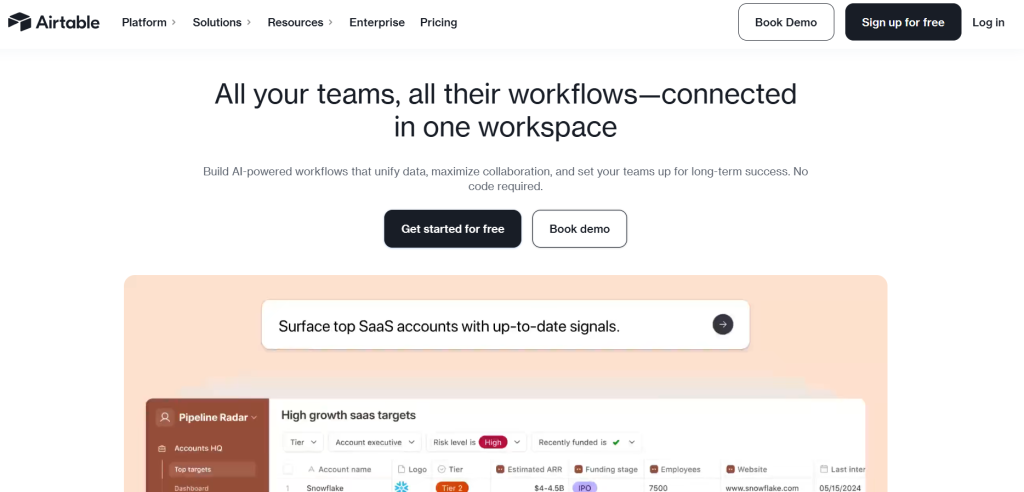
What it does
Hybrid between spreadsheet and database.
Best use case
Structured workflows.
Strength
- Better than Sheets
- Flexible views
Weakness
- Pricing scales fast
Do NOT use if…
You need backend-level performance.
Google Drive
What it does
Stores and manages files.
Best use case
Document workflows.
Strength
- Widely used
- Easy integration
Weakness
- No structure
Do NOT use if…
You need structured data.
Figma

What it does
Design collaboration.
Best use case
Design-to-content workflows.
Strength
- Great for teams
Weakness
- Limited automation
Do NOT use if…
You need backend workflows.
HubSpot

What it does
CRM and marketing automation.
Best use case
Lead management.
Strength
- All-in-one system
Weakness
- Expensive
- Complex
Do NOT use if…
You only need simple CRM.
LangChain
What it does
Framework for building AI workflows.
Best use case
Agent-based systems.
Strength
- Full control
- Flexible
Weakness
- Requires development
Do NOT use if…
You want no-code tools.
Custom APIs
What it does
Direct integration between systems.
Best use case
Full control workflows.
Strength
- Scalable
- No limits
Weakness
- Requires engineering
Do NOT use if…
You want a fast setup.
Best Claude Connectors vs APIs vs Agents
Most people start with connectors, then hit limits, then rebuild everything using APIs or agents. You can skip that cycle if you understand this early.
The Core Difference
| Type | What it means | Reality |
|---|---|---|
| Connectors | Pre-built integrations | Easy, but limited |
| APIs | Direct system access | Powerful, but technical |
| Agents | Autonomous workflows | Scalable, but complex |
Connectors → Easy, Limited
Claude connectors are the fastest way to start.
- No code
- Quick setup
- Works for simple tasks
But they break when:
- logic gets complex
- workflows grow
- reliability matters
Use connectors if:
- you are testing ideas
- workflows are small
- speed matters more than control
APIs → Powerful, Technical
Claude API integrations give full control.
- Custom logic
- Better performance
- Scales properly
But:
- Requires development
- Takes time to build
Use APIs if:
- You need control over logic
- workflows are critical
- you want long-term stability
Agents → Autonomous, Scalable
Claude agent workflows don’t just execute steps. They decide what to do next.
- dynamic workflows
- multi-step reasoning
- minimal manual triggers
But:
- harder to design
- needs strong architecture
Use agents if:
- workflows are complex
- decisions change dynamically
- you want automation without constant triggers
The Real Decision
- If you want fast results → use connectors
- If you want control → use APIs
- If you want scale → build agents
This is the real Claude API vs connectors decision.
Limitations Most People Ignore
Here’s what actually breaks in real Claude integrations.
Latency
Every step adds delay.
Claude → connector → app → response
Now, stack multiple tools.
Result:
- slow workflows
- delayed outputs
This kills real-time use cases.
Reliability
Connectors depend on multiple systems.
If one fails:
- workflow stops
- data gets lost
This is common in AI workflow automation tools.
And it gets worse as you scale.
Cost Scaling
Most tools charge per:
- task
- operation
- execution
Small workflows = cheap
Large workflows = expensive
And costs are unpredictable.
Vendor Lock-In
Once you build with a connector:
- you depend on that tool
- switching becomes hard
Moving from Zapier to APIs later is not easy. You rebuild everything.
The Reality
Connectors are fine at the start. But they create hidden risks:
- performance issues
- rising costs
- system fragility
That’s why advanced teams move away from them over time.
Wrap Up
The above best Claude connectors are tools, not solutions. The real advantage comes from how you design your Claude workflows. Not which tool you pick. At scale, Claude API integrations and Claude agent workflows outperform connectors. More control and better long-term value. If you plan ahead, you won’t need to rebuild later.